It cannot guarantee perfect continuity
A character, object, or background may change between frames, especially during complex movement.
Workaround
Keep scenes simple, describe continuity explicitly, and regenerate short sections when needed.
AI video explained
What is ltx in ai? LTX AI is a family of generative video models and tools that turns written descriptions, images, or structured direction into short video sequences. It connects language understanding with visual motion, timing, and scene composition.
Core workflow
LTX AI translates a creative brief into visual frames, then refines those frames into a coherent moving sequence.
The model reads a prompt or image reference and identifies subjects, setting, movement, camera direction, and visual style.
It generates related frames across time, balancing the requested action with spatial layout, lighting, and continuity.
The result is assembled into a video that can be reviewed, adjusted, and regenerated when the motion or composition misses the brief.
Before you begin
A clear input gives the model more useful guidance. These requirements are practical rather than technical.
Without every one of these the route does not run.
A specific subject, setting, or visual idea
Name what should be visible and where it should appear.
A description of movement or camera action
Use verbs such as pan, walk, rise, turn, or drift.
Time to review and revise the result
Generative video often improves through short prompt iterations.
Skip any of these and the route still works — they only make it faster.
A preferred format or aspect ratio
Choose this when the output is intended for a particular screen or social platform.
A reference image for appearance or composition
An image can help anchor a character, product, location, or visual style.
Explore next
These pages cover access, models, and practical workflows from different angles.
Set expectations
LTX AI can accelerate visual development, but it does not remove the need for direction, review, or editing.
A character, object, or background may change between frames, especially during complex movement.
Workaround
Keep scenes simple, describe continuity explicitly, and regenerate short sections when needed.
A prompt can suggest a shot, but it does not automatically create a full script, edit, sound mix, and release package.
Workaround
Break the project into shots and use a separate editing workflow for assembly.
Terms such as cinematic or professional leave many choices open, so the result may not match an unspoken mental image.
Workaround
Specify subject position, lens feel, lighting, motion, pacing, and exclusions.
Generated lettering, interfaces, and branded marks may be distorted or inconsistent.
Workaround
Add precise typography and brand elements during post-production.
Visual translation
The same idea changes from a static creative direction into a time-based visual result.
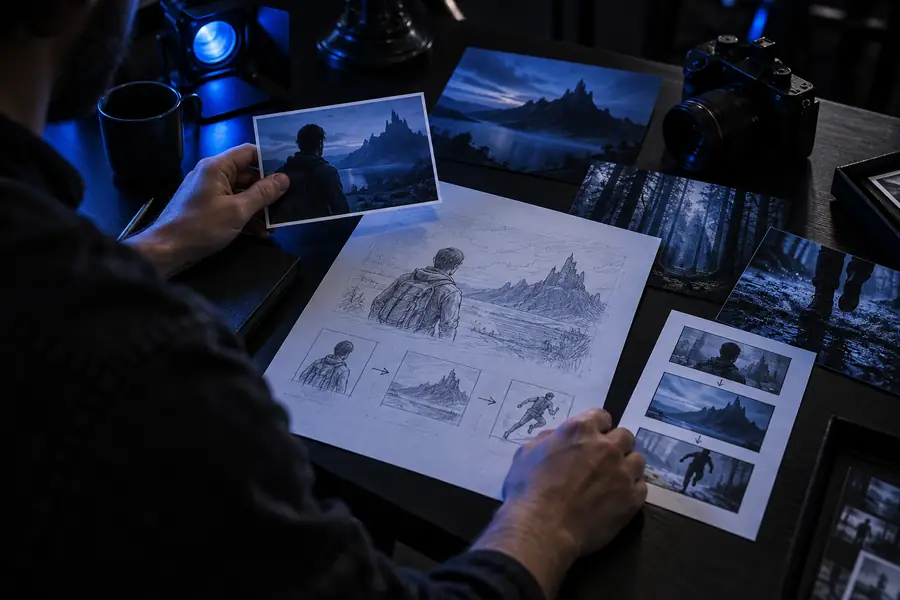 Brief
Brief
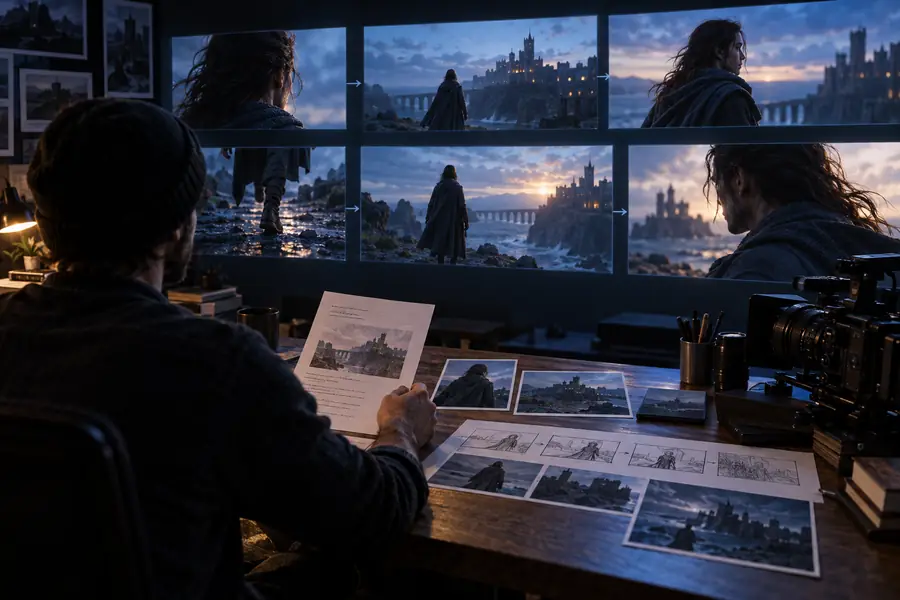 Generated scene
Choose your path
The best fit depends on whether you need fast visual exploration, more control, or a finished production asset.
Choose this when
Use LTX AI for mood tests, story concepts, shot options, and early visual direction.
It can turn a plain-language idea into something concrete before a larger production commitment.
Choose this when
Use a structured workflow with consistent references, shot planning, and manual review.
Prompt-only generation may drift when the same characters, products, or locations must remain stable.
Choose this when
Treat LTX AI as one stage in production, followed by editing, sound, typography, and quality control.
Generated footage is often strongest as a creative building block rather than a complete finished deliverable.
Model evolution
LTX AI sits within a broader shift from text-to-image experimentation toward faster, more controllable video creation.
LTX-Video emerged as an important open model direction for generating video from text and image guidance.
Creators and developers increasingly explored model weights, workflows, and hardware requirements outside closed creative suites.
Attention expanded toward longer sequences, stronger temporal consistency, audio-aware production, and more deliberate shot control.
LTX AI is most useful when paired with storyboarding, reference images, iteration, editing, and human review.
Common question
LTX in AI refers to a family of generative video models and related creative tools associated with Lightricks. They use prompts, images, or other direction to produce moving visual sequences.
Yes. LTX AI is primarily used for text-to-video and image-guided video generation. Depending on the workflow and model version, it can support ideation, shot development, and visual iteration.
Beginners can use LTX AI if they start with a clear subject, action, setting, and style. The main learning curve is learning how to describe motion and revise prompts when the first result is not consistent.
Usually not by itself. It can generate useful clips and creative starting points, but a finished film still needs planning, selection, editing, sound, titles, and quality control.
Specific prompts work better than vague requests. Describe the subject, environment, action, camera movement, lighting, and desired visual treatment; a reference image can also help anchor appearance or composition.