Practical examples

Build Better Video Tests with LTX AI Examples GitHub Repeatable prompts, clearer results

LTX AI examples github searches often lead to fragments: one prompt, one output, and little guidance on what to change next. This page turns that starting point into repeatable video workflows for testing, iteration, and review.

3 concrete workflows

Use these ltx ai examples as small, inspectable recipes rather than copying a prompt without its surrounding decisions.

The prompt experimenter

You want to compare camera language, subject motion, and atmosphere without changing the whole concept between tests.

Create three short variations from one scene brief, changing only one instruction per run so the visual difference is easier to explain.

ltx ai tutorial for beginners

The creative developer

You are building a GitHub repository that needs readable examples instead of a folder of unexplained prompts and exported clips.

Pair each prompt with inputs, settings, an expected visual goal, and a short note about what the output actually demonstrates.

ltx ai open source

The social video maker

You need a sequence of related shots for a short concept, but isolated generations keep changing the subject or visual tone.

Break the idea into establishing, action, and detail shots, then keep the subject description and style cues consistent across the set.

ltx-2 ai video generator

The review lead

A team needs to decide whether a generated clip is useful before spending time on polish, editing, or a larger batch.

Use a compact review checklist covering subject identity, motion, framing, artifacts, and whether the clip serves the intended scene.

ltx studio

Example output

A useful repository example shows the relationship between the request and the result. The visual is only half the example; the notes explain what was tested and what should change next.

A rough video prompt and initial generated concept Prompt draft
A refined video concept organized for review Reviewed output
Label the draft, the revision, and the single change that produced the revision. That makes ltx ai examples easier to learn from and easier for another person to reproduce.

Compliance notes

Examples should be clear about what they contain, where assets came from, and how a result was reviewed before publication or reuse.

Choose this when

Use public or self-created assets

Record the source, license, and any required attribution beside the prompt or output.

A technically strong example can still create avoidable rights problems when its inputs are undocumented.

Choose this when

Show generated people, places, or brands

Add a plain-language note identifying synthetic elements and avoid implying real endorsement or events.

Readers should be able to distinguish a creative test from documentary footage or approved brand material.

Choose this when

Share a repository example

Separate prompts, code, media, and environment notes, and remove private keys or personal data before publishing.

Clear boundaries make examples safer to inspect, fork, and adapt without exposing sensitive information.

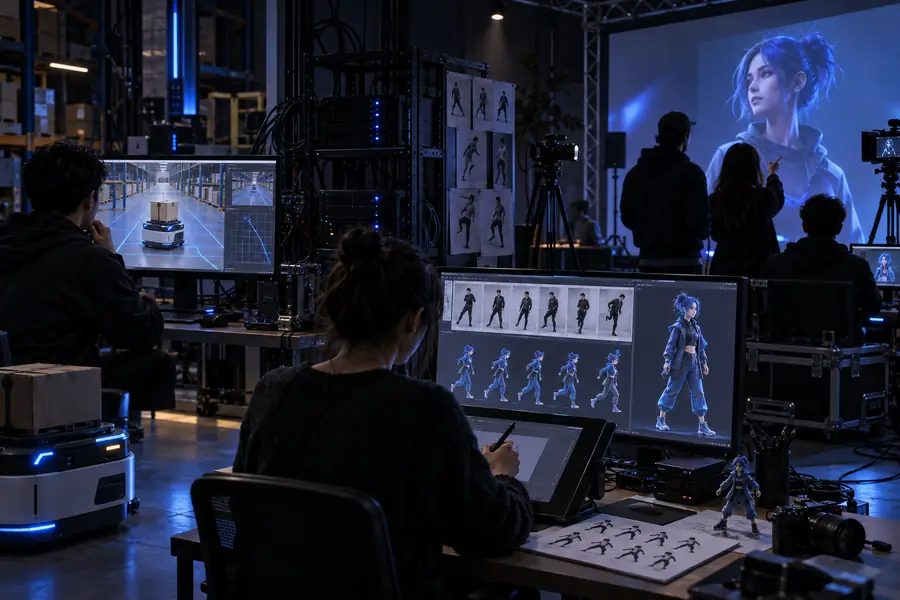
Prompt testing, shot sequencing, and review
3 workflows
Subject, motion, framing, and visible artifacts
4 review checks
Adjust one variable between comparable examples
1 change
Private keys or personal data in shared files
0 secrets

Scenario FAQ

Answers for readers looking for ltx ai examples github resources they can understand, test, and adapt responsibly.

They can show how prompts, inputs, code, and outputs fit together in a video workflow. The most useful examples explain the goal of the test and the changes made between attempts, rather than presenting an unexplained final clip.

Check whether the repository explains its inputs, generation steps, expected output, and review limits. Look for reproducible notes and clean separation between source files, generated media, and environment settings.

You should read the repository license and confirm the terms for its code, prompts, datasets, and media separately. Adapt the workflow only after checking that your intended use fits those terms and that no private credentials or personal data are included.

A good example has a specific visual objective, a focused prompt, and enough context to understand the output. It also records what worked, what failed, and which single change improved the next result.

Start creating
Start creating